
4n6ir.com
Open Source Intelligence Monitoring
by John Lukach
Today I launched the third edition of OSINT Monitoring, focused on watchlist-based domain monitoring through a web interface with email alerts. The code is open at github.com/4n6ir/osint.4n6ir.com.
This project started as Project Caretaker in August 2023, with a second edition in December 2025. The goal has stayed the same: make monitoring transparent and practical without hiding how results are produced.
Here is the full sign-in and review flow in the current release.
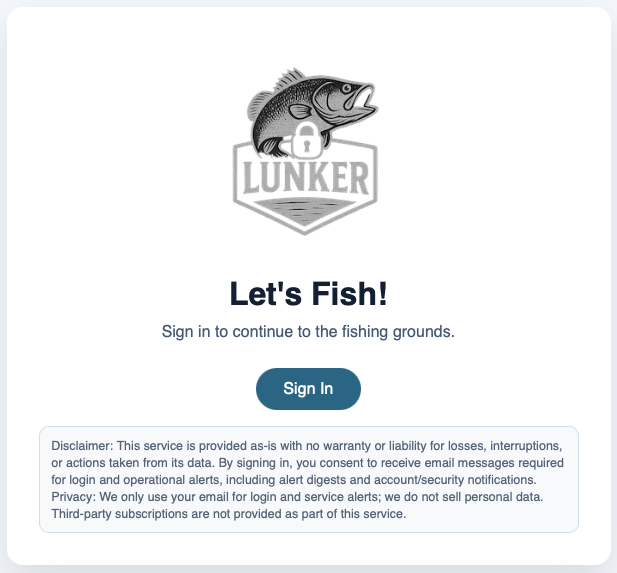
Open osint.4n6ir.com and select Sign In.
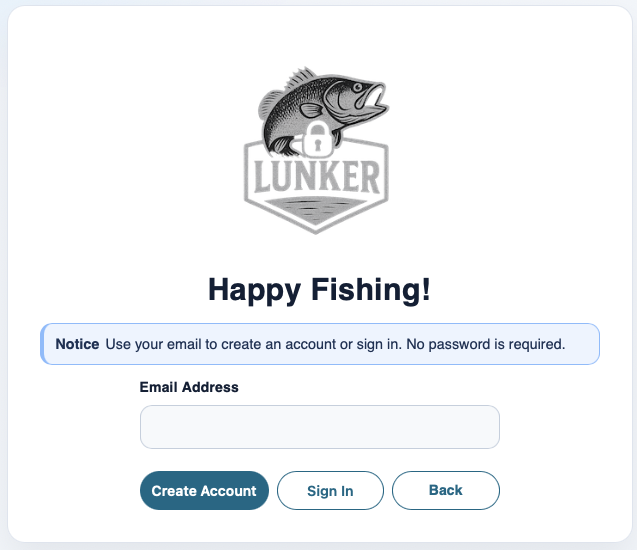
Enter your Email Address. Depending on account status, you can continue sign-in or complete account creation.
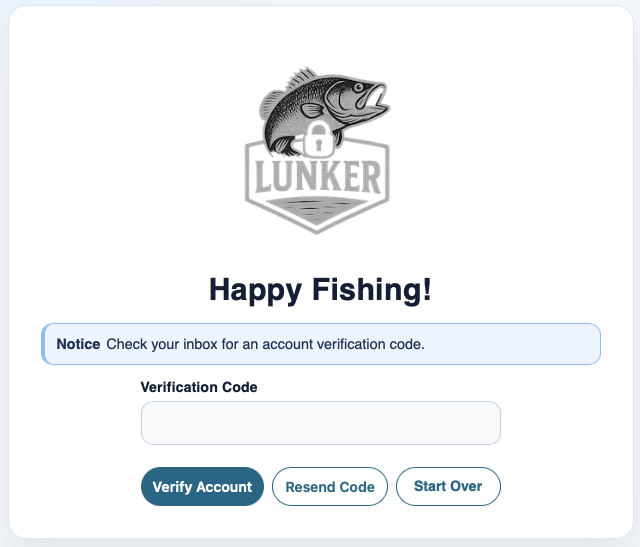
If this is a new account, enter the Verification Code sent to that address.
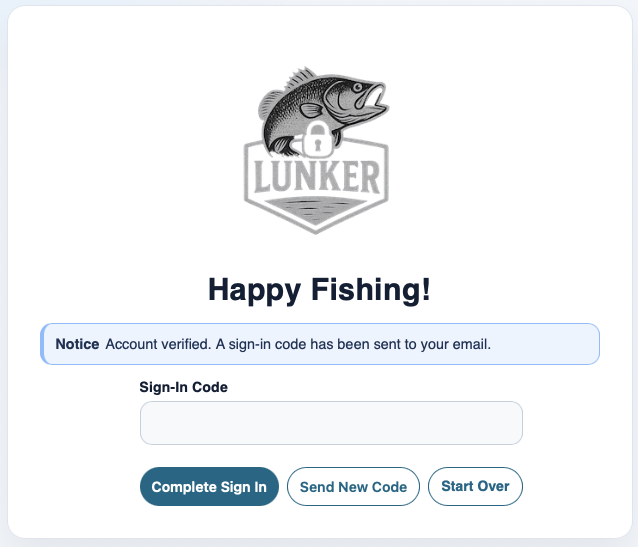
Enter the one-time Sign-In Code to complete authentication.
Login and account verification codes are sent from hello@4n6ir.com.
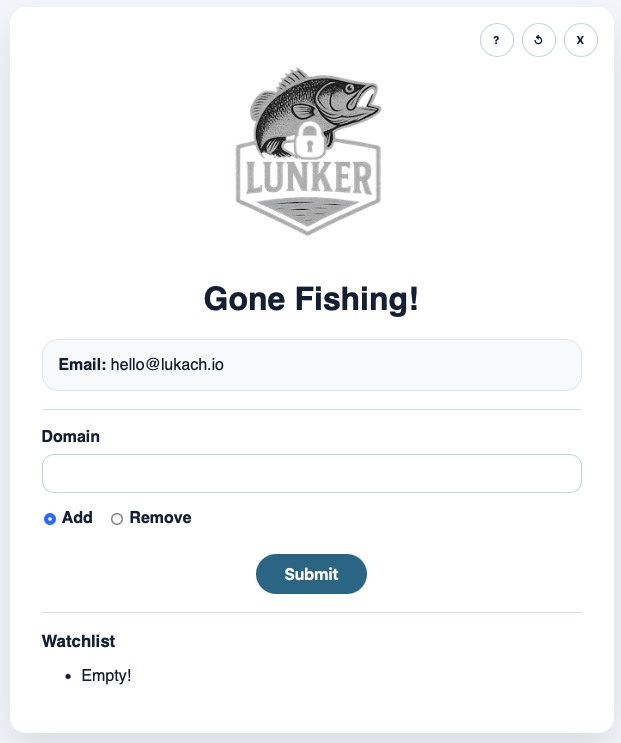
After sign-in, the Home View lets you add or remove domains in your watchlist.

Each submission returns a result page confirming success or explaining the validation issue.
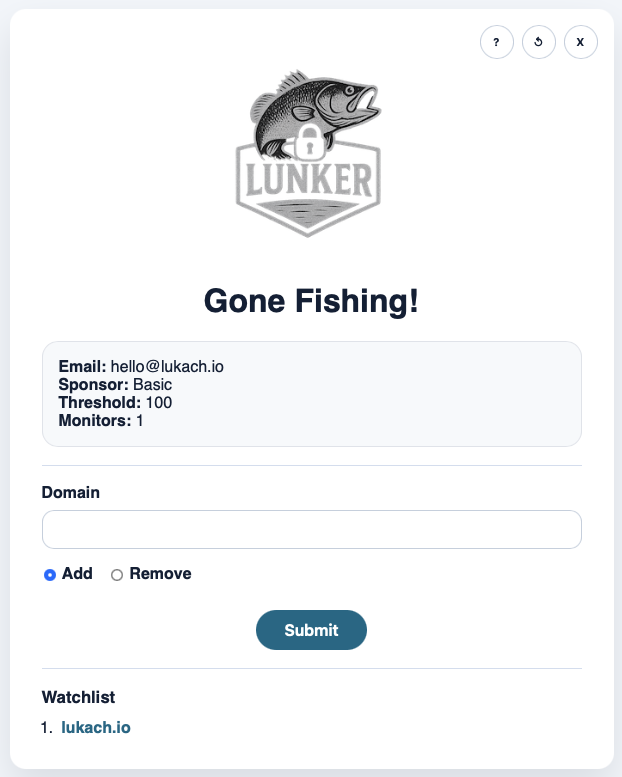
Back on Home View, the domain appears under Watchlist. If there are priority findings, the watchlist entry is emphasized.
In the top-right toolbar:
- ? (Help) opens the in-app step guide.
- ↺ (Refresh) reloads the current view and requests fresh data.
- X (Log Out) ends the session and returns you to sign-in.
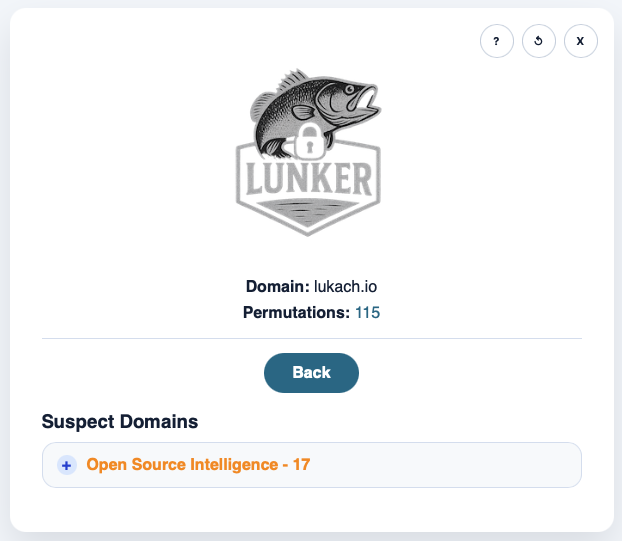
Open the domain to inspect grouped findings. In this release, everyone gets Suspect Domains -> Open Source Intelligence.
Exact SLD matches are highlighted in red, and permutation-driven matches are highlighted in orange.
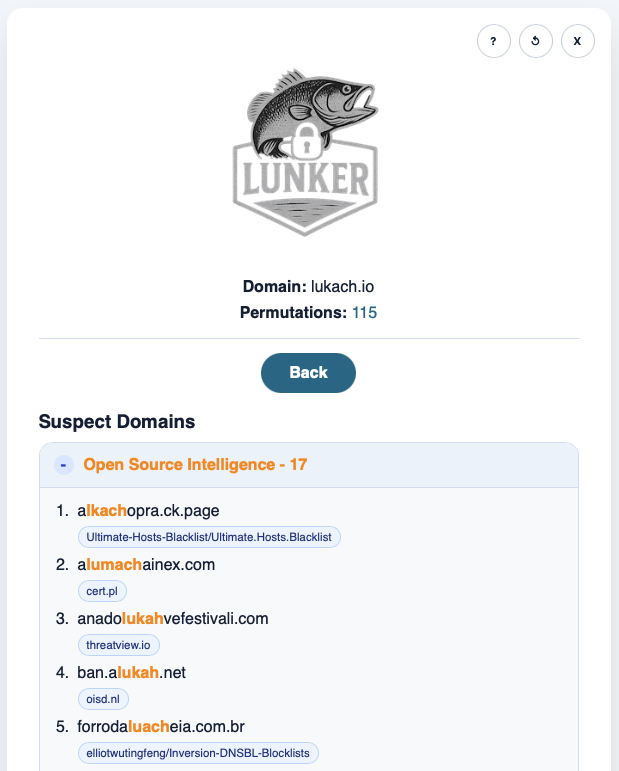
Expanded sections show matching domains with source attribution, so you can quickly review where each signal came from.
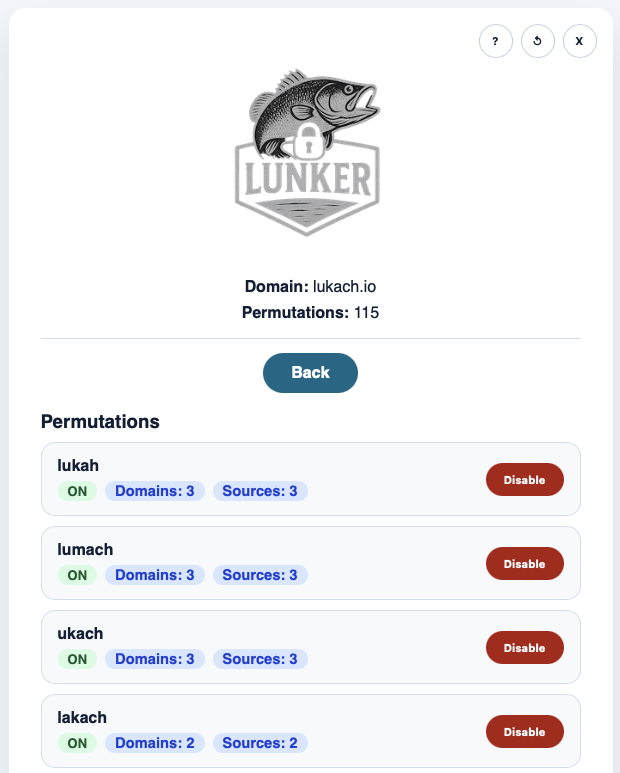
The Permutations View shows generated variations and lets you enable or disable each one. Entries include domain and source counts to help tune noise.
One practical note: these are signals for review, not automatic proof of malicious activity. Feeds also refresh throughout the day, so very recent changes may take time to appear.
How alerts are sent
Digest email is driven by DynamoDB stream INSERT events. In plain terms: when a new object is created in the osint table, it is added to digest processing. Updates to existing objects are not treated as new digest events.
Digest output is sent as a numbered list, and domain lines are defanged in email body text (for example, 4n6ir.com becomes 4n6ir[.]com).
Digest emails are sent from hello@4n6ir.com. These messages are sent as plain text. By signing up, you agree to receive required service emails, including sign-in codes and alert digest messages.
Run timing and first run behavior
When you add a domain to your watchlist, the platform checks the state record for that domain and user.
- If there is no state record for today, it queues a search immediately.
- If it already ran today, it waits for the scheduled daily run.
The daily fan-out job runs at 01:20 UTC and re-queues tracked domains.
Permutation threshold behavior
Each account has a threshold value. During search, every enabled permutation tracks cumulative unique-domain matches.
- If
unique_domains > threshold(strictly greater than), that permutation is automatically switched to OFF. - The query is re-run without that permutation so noisy terms do not keep polluting results.
This is why some permutations may appear disabled after processing, even if you initially left them on.
Quick start checklist
Use this checklist to get running fast:
- Sign in with your email and complete the one-time code flow.
- Add one base domain per entry (
4n6ir.com, not subdomains). - Check your profile values in the UI (
Sponsor,Monitors,Threshold). - Stay within your monitor count limit when adding domains.
- Open each domain and review Suspect Domains -> Open Source Intelligence first.
- Use Permutations View to disable obvious noise terms manually.
- Watch for digest emails with defanged domain entries.
Critical note:
- Basic usage should focus on watchlist hygiene (good base domains, threshold tuned, noisy permutations off).